 Business Card Maker
Your next business card starts here.
Design a double-sided card from a template, turn a printed card into an editable design, or export your finished card for printing.


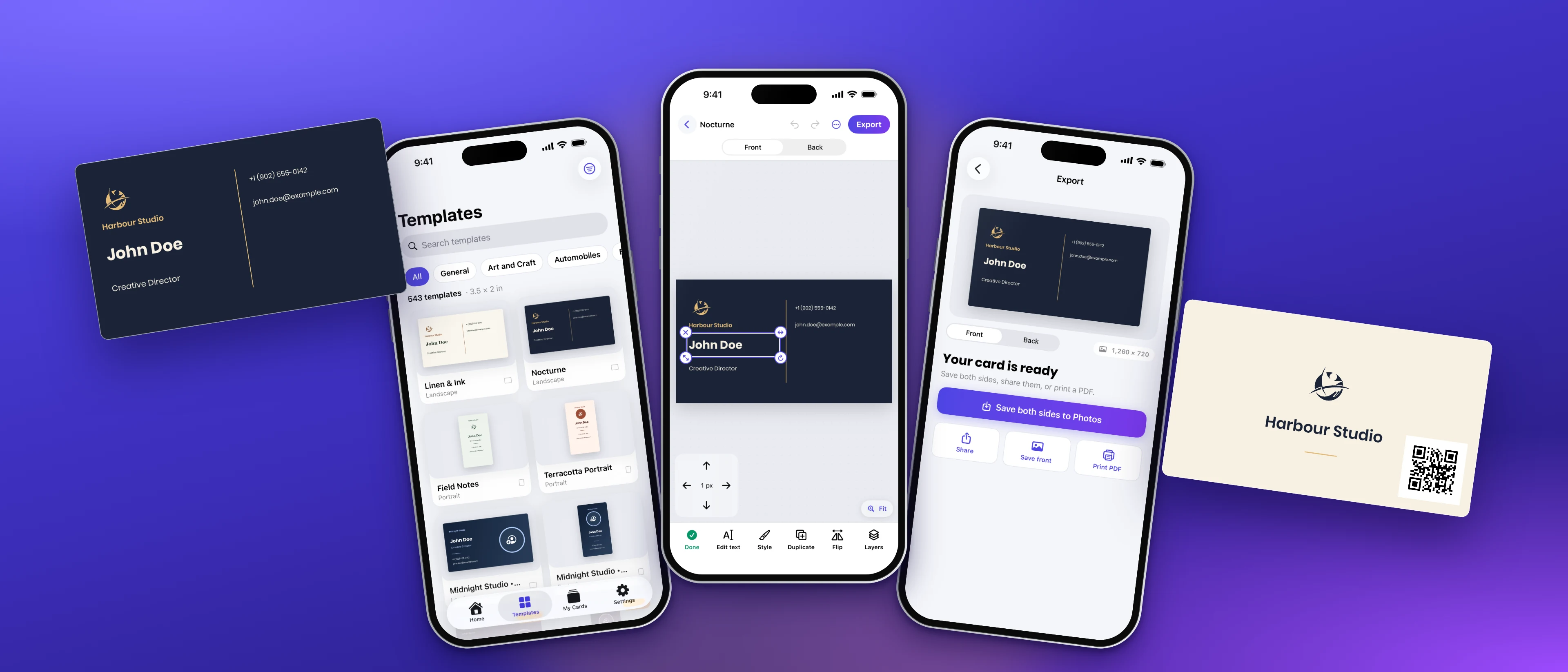
Make a card that fits your business
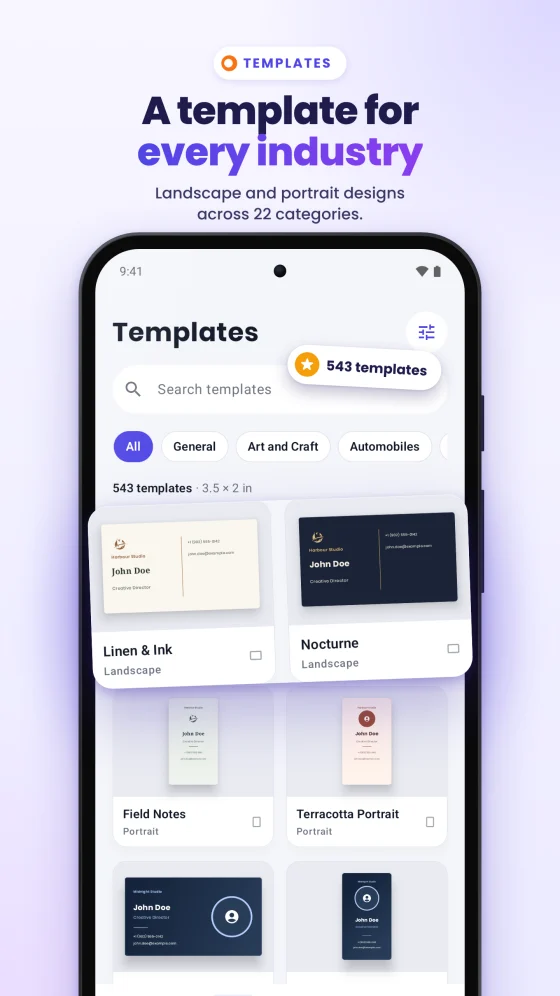
Start from a template
Browse styles by industry or start with a blank card.
Design both sides
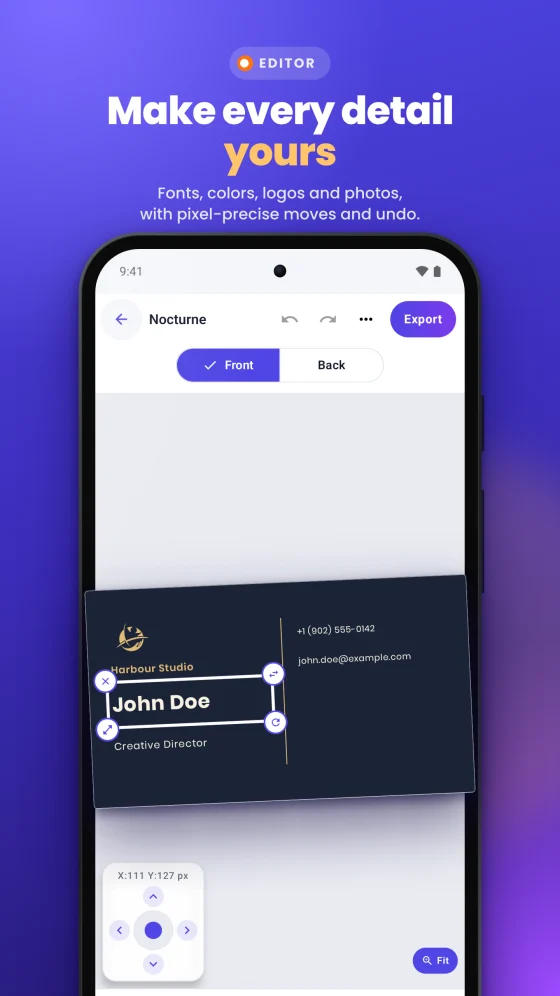
Arrange text, fonts, colours, photos, and logos on the front and back.
Scan a printed card
Capture or import a photo of a card and edit the detected text in your design.
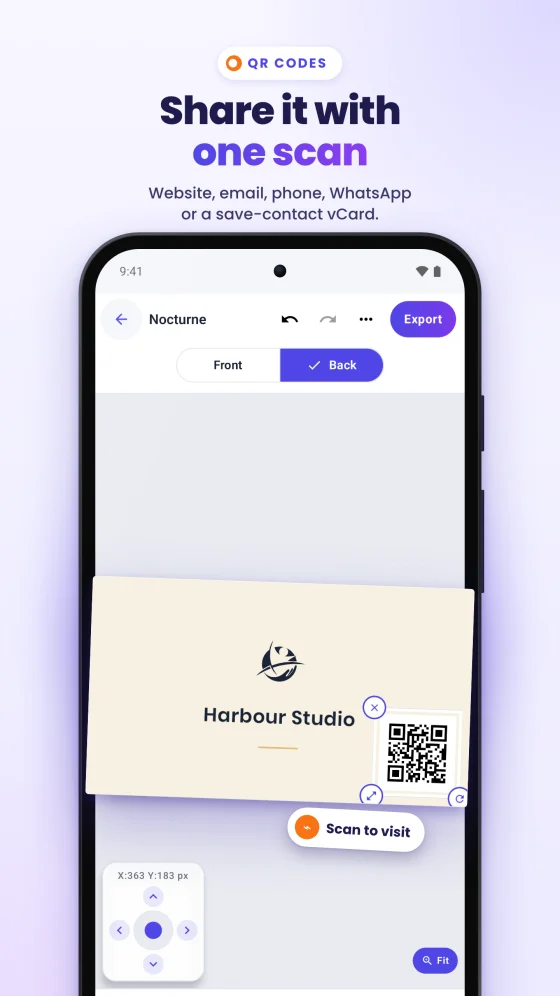
Add a contact QR code
Let people save your contact details or open your website with a quick scan.
Reuse your business profile
Save your business details and logo to fill in new designs faster.
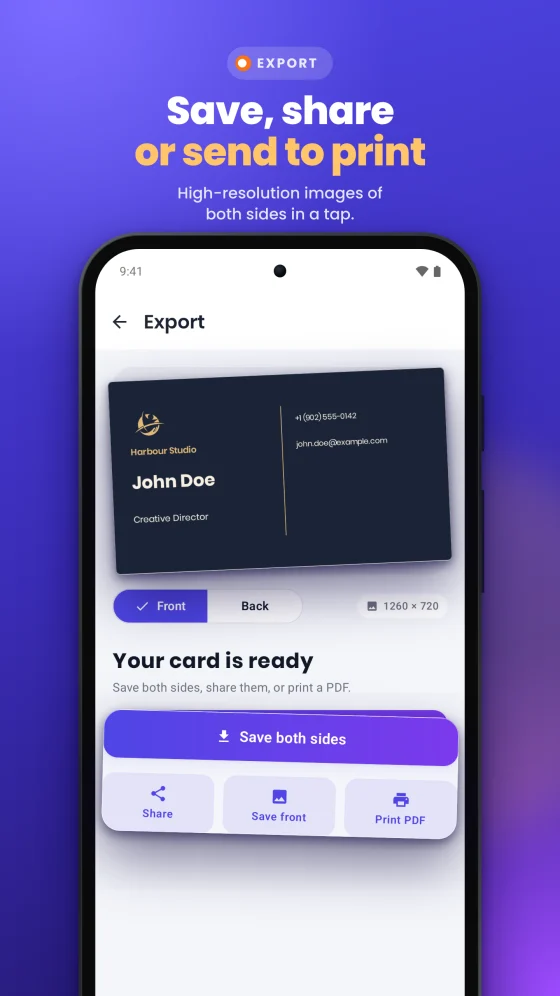
Export for print or sharing
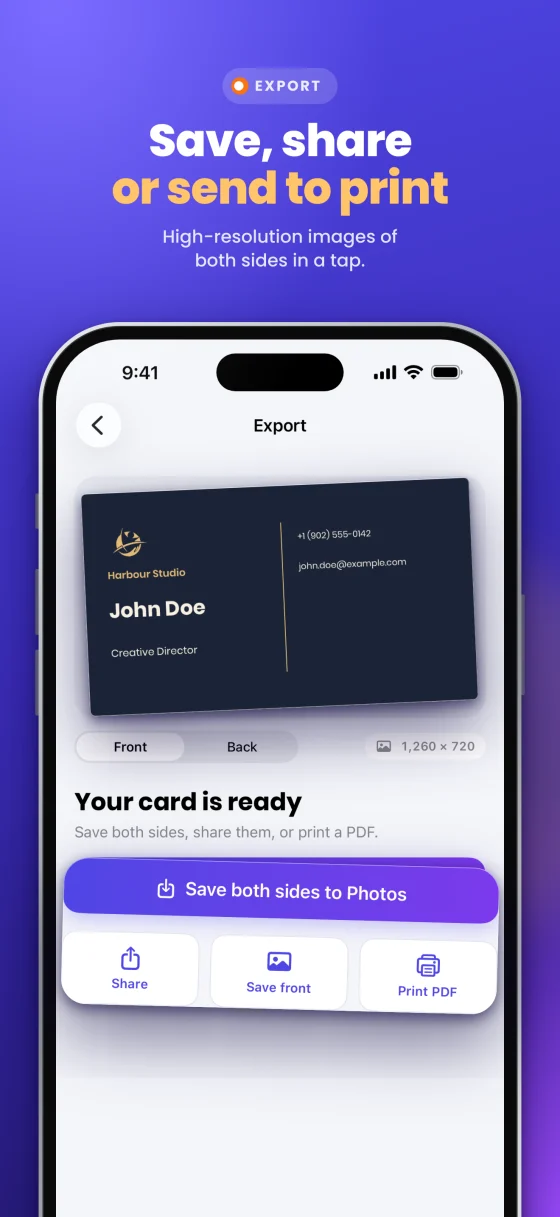
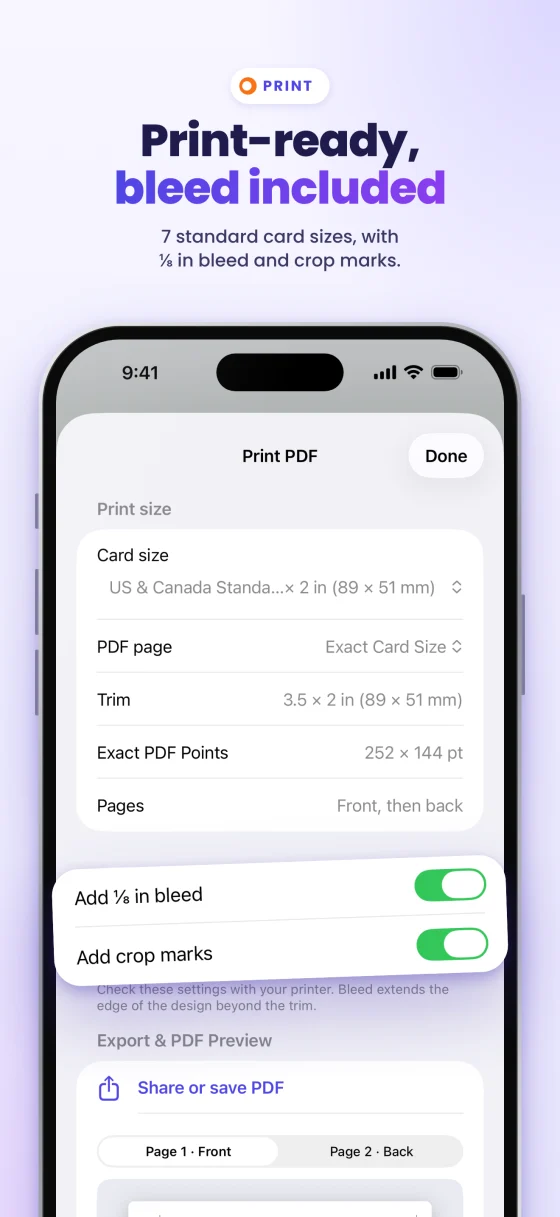
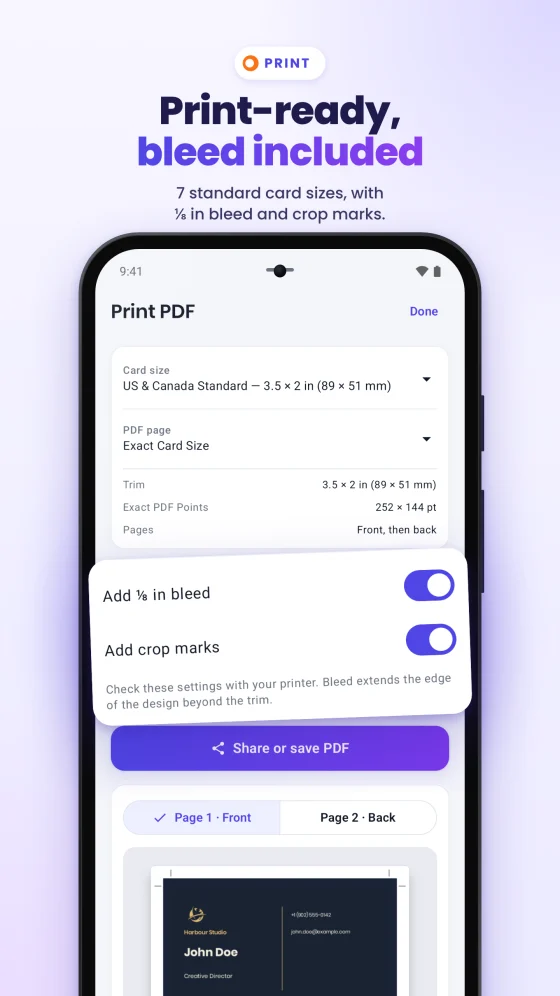
Save a high-resolution PNG or prepare a print-ready PDF with optional bleed and crop marks.
Inside Business Card Maker
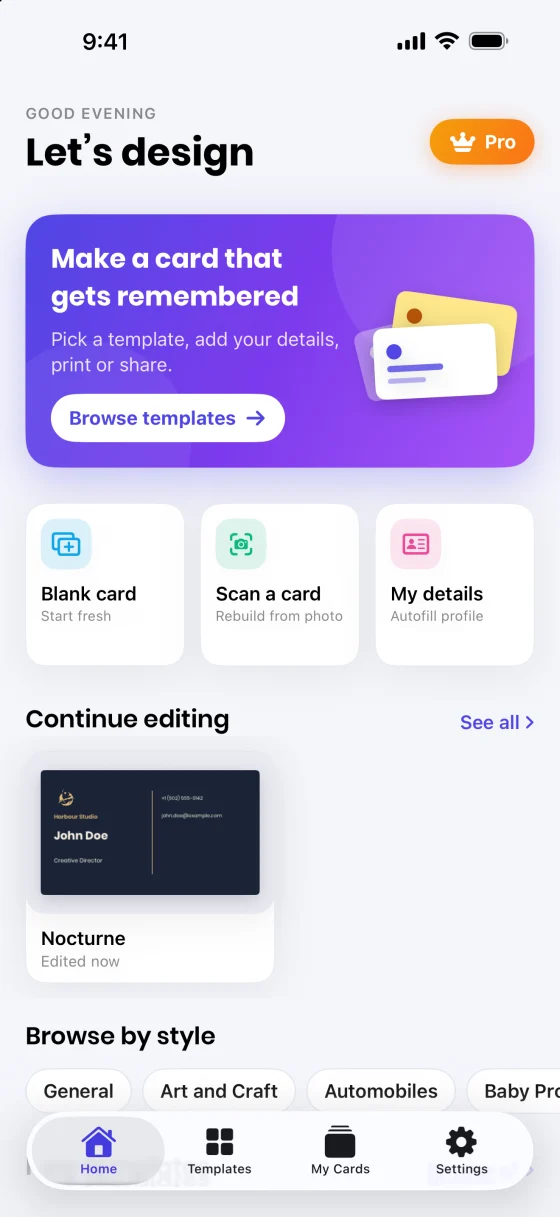
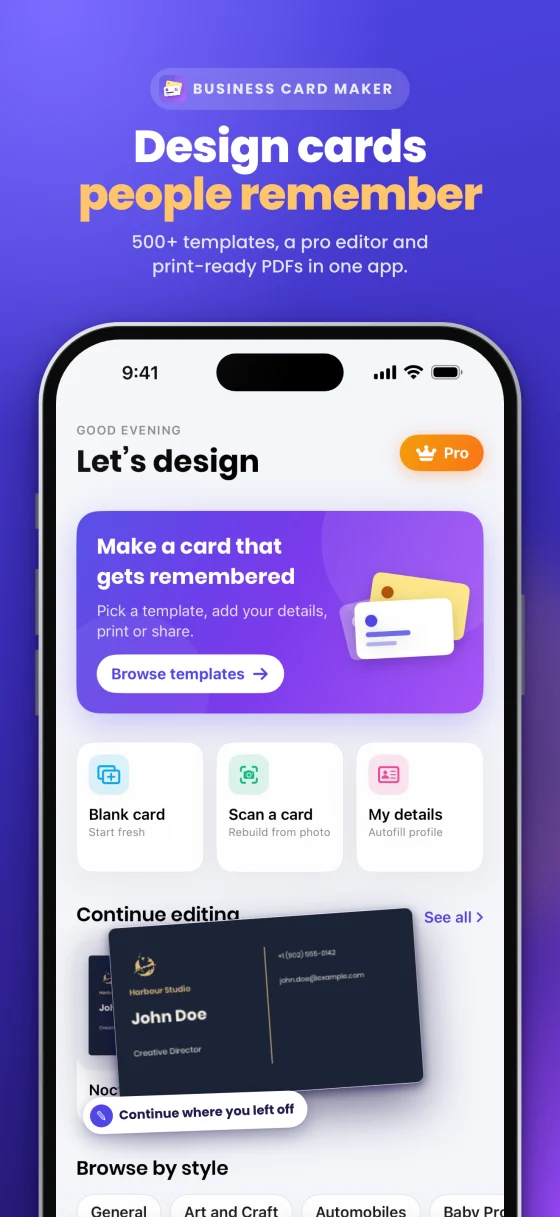
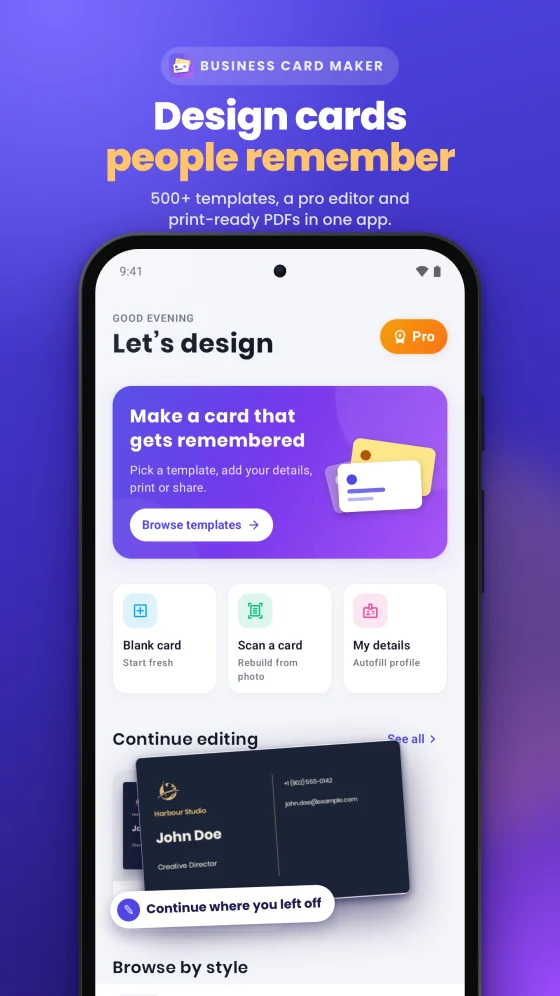
Start a new design
Jump into templates, scan a printed card, or continue editing a saved design.
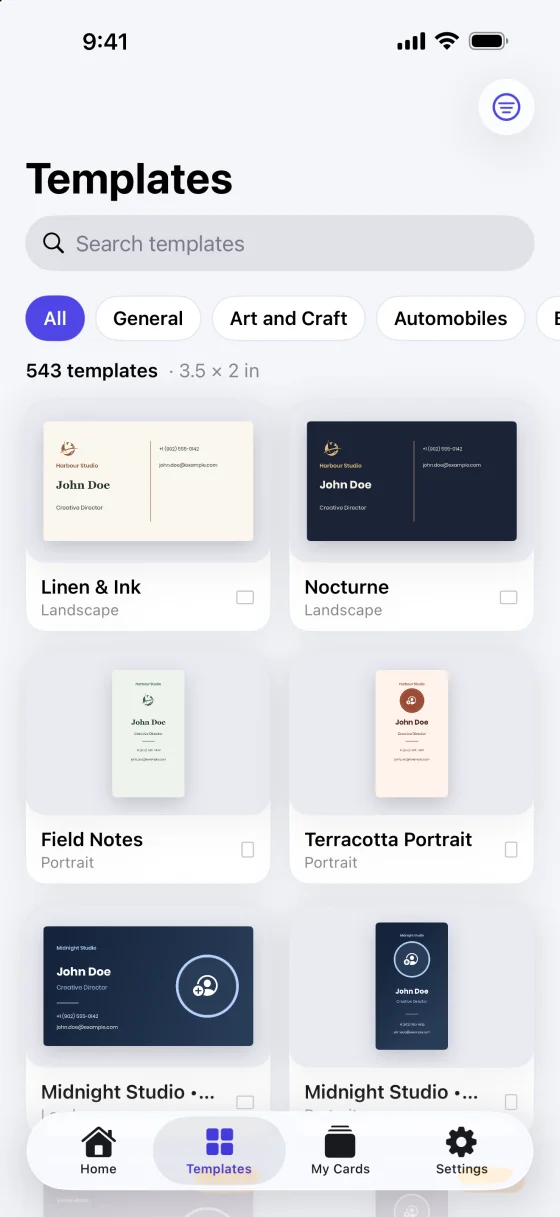
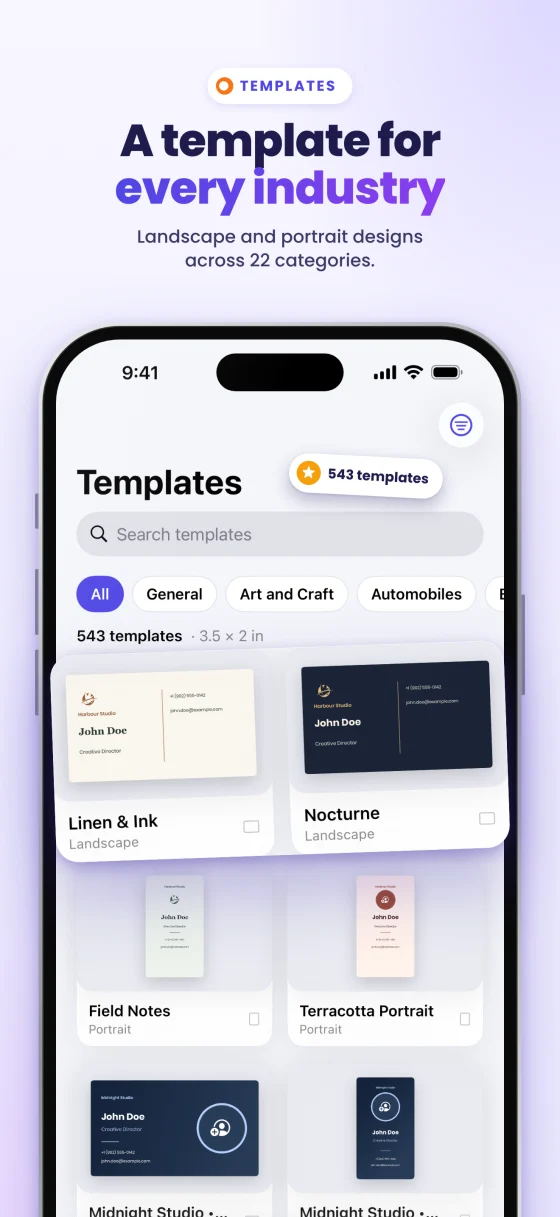
Find a starting point
Browse more than 500 templates across business categories and styles.
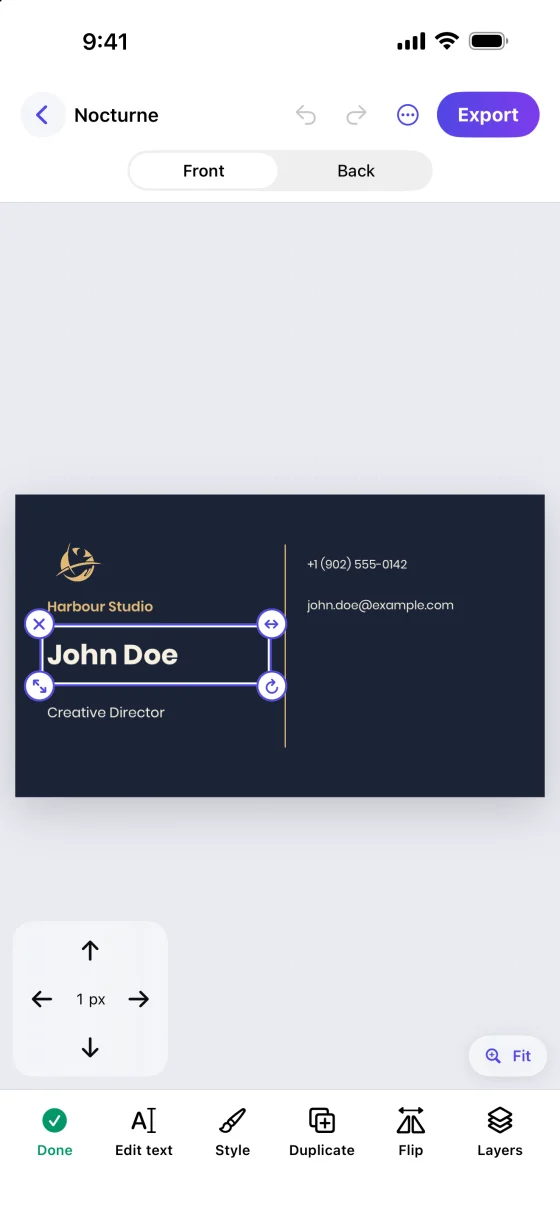
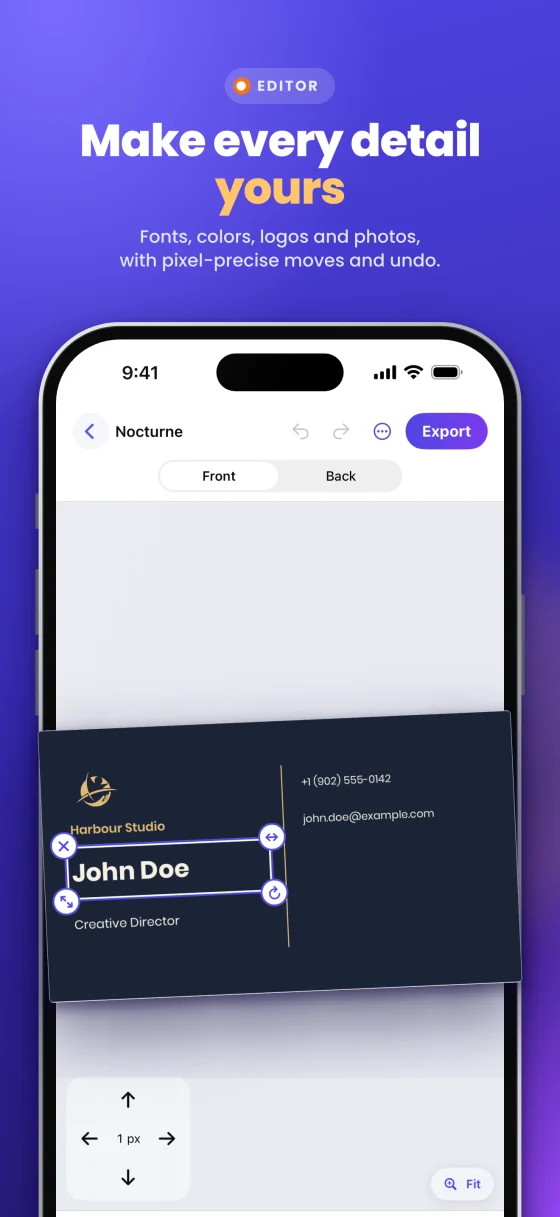
Make every detail yours
Edit text, colours, layout, and both sides of your business card.
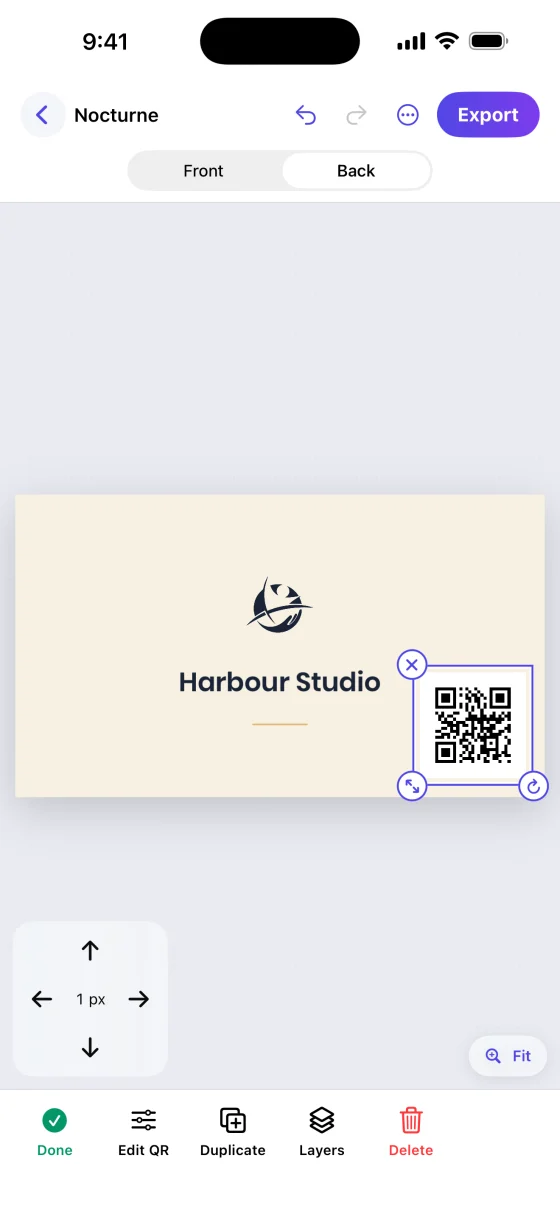
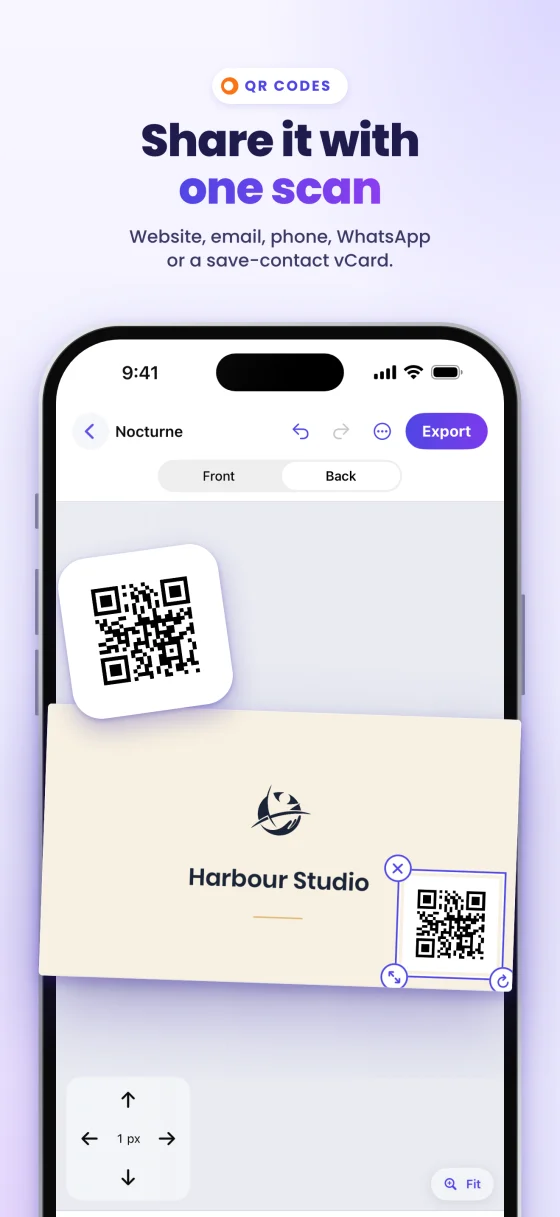
Share with a scan
Add a QR code so people can save your contact details or visit your website.
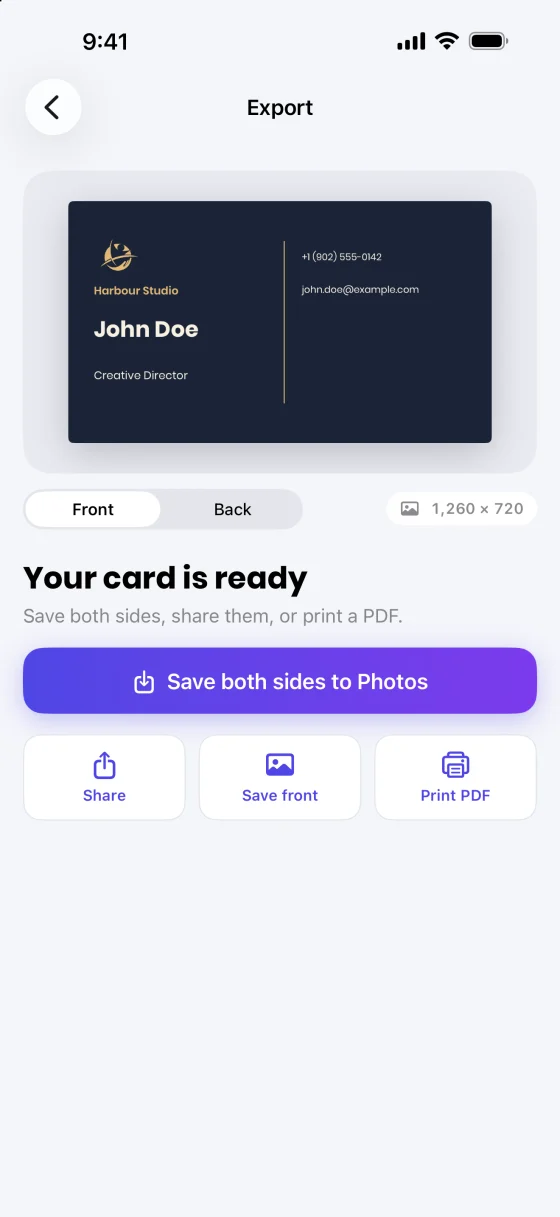
Save and share your card
Export your design as an image or share it from your device.
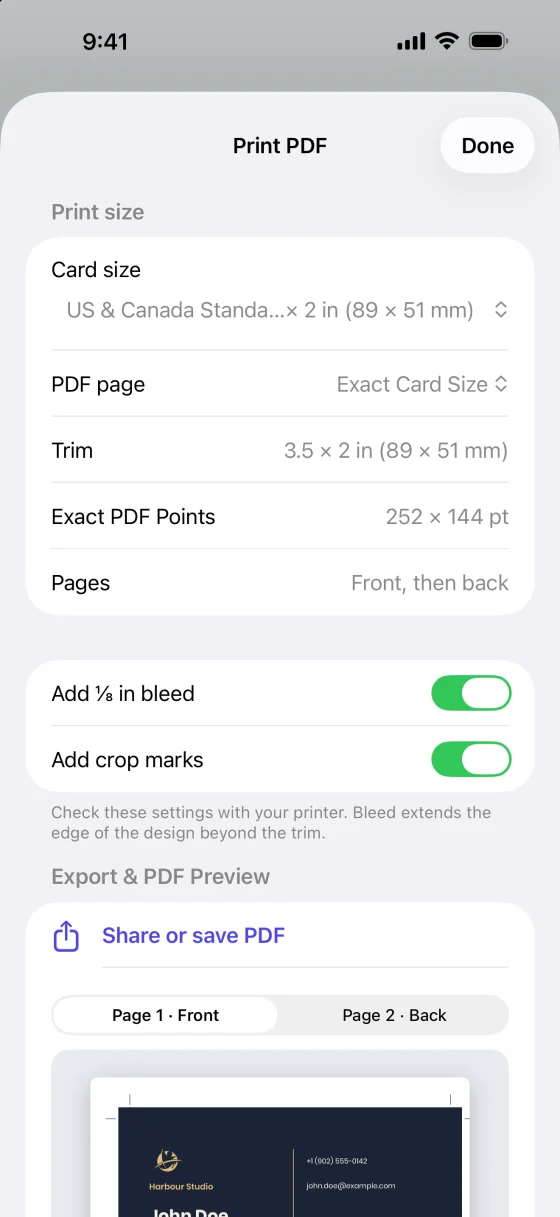
Prepare a print-ready PDF
Choose card dimensions and include bleed for professional printing.
Store screenshots
See the latest screenshot artwork for both app stores.